00Platform
The engineering team your idea never had.
Design, simulation, structural optimization and print preparation, run for you by the AI agent you already use. You do not need to know how to use any of them. You need to know what you want to make.
01Design
Start from an idea, a sketch or a file.
Bring the idea in whatever form you have it, rough or exact. Your agent takes it from there.
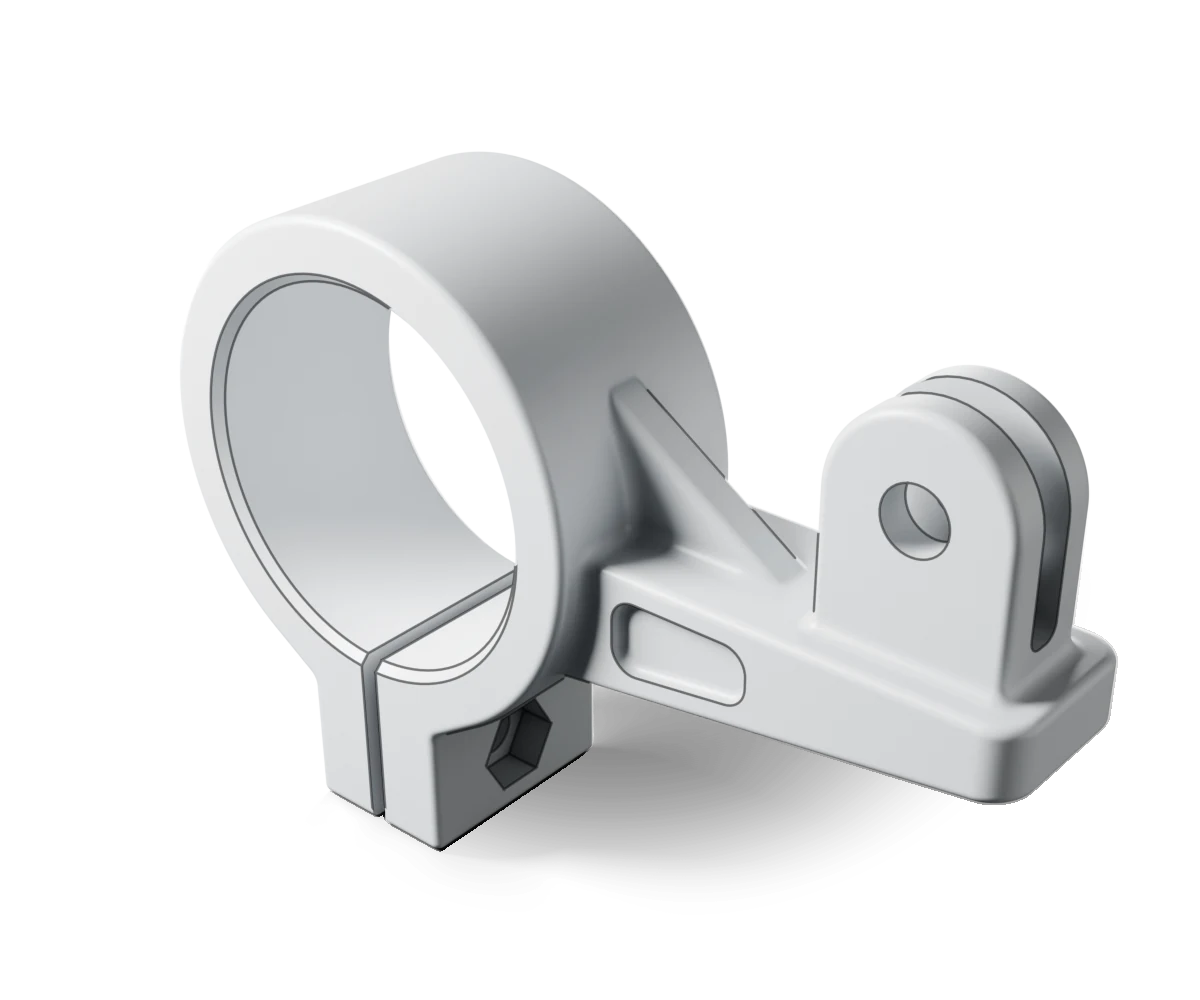
From a conversation.
Describe what you need and your agent designs the part from scratch in parametric CAD, so a dimension can change without starting over. Every part is checked to be one closed solid and measured, and the readings agree, before you see it.
From a sketch on paper.
Photograph it and give it to your agent with the key dimensions. The agent reads the drawing and writes the part, and Omniphex measures and checks every solid it makes.
From a file you have.
Bring in a STEP or STL file in millimeters, even a 3D scan with millions of triangles, and have it measured and checked before anything else touches it.
A style you choose.
Eleven design languages, from Japandi to Art Deco, as rules a shape can be checked against. Renders can be scored against a description or a reference picture; the final judgment is yours.
Your mark on it.
Turn vector artwork, such as a logo or an outline drawing, into a raised or engraved mark on a part, or a flat part of its own, once Omniphex has checked that your printer can lay down its finest detail.
Look before it leaves.
Your agent can render any part from every side, including straight down, with close-ups where parts meet, and the pictures themselves go to your agent, not only the measurements. You or your agent can star the ones worth keeping, and they are kept for good.
02Optimize
Put material where it matters, and nowhere else.
The techniques behind the lightest, stiffest printed parts, run by your agent. Some are added to your install when your project needs them.
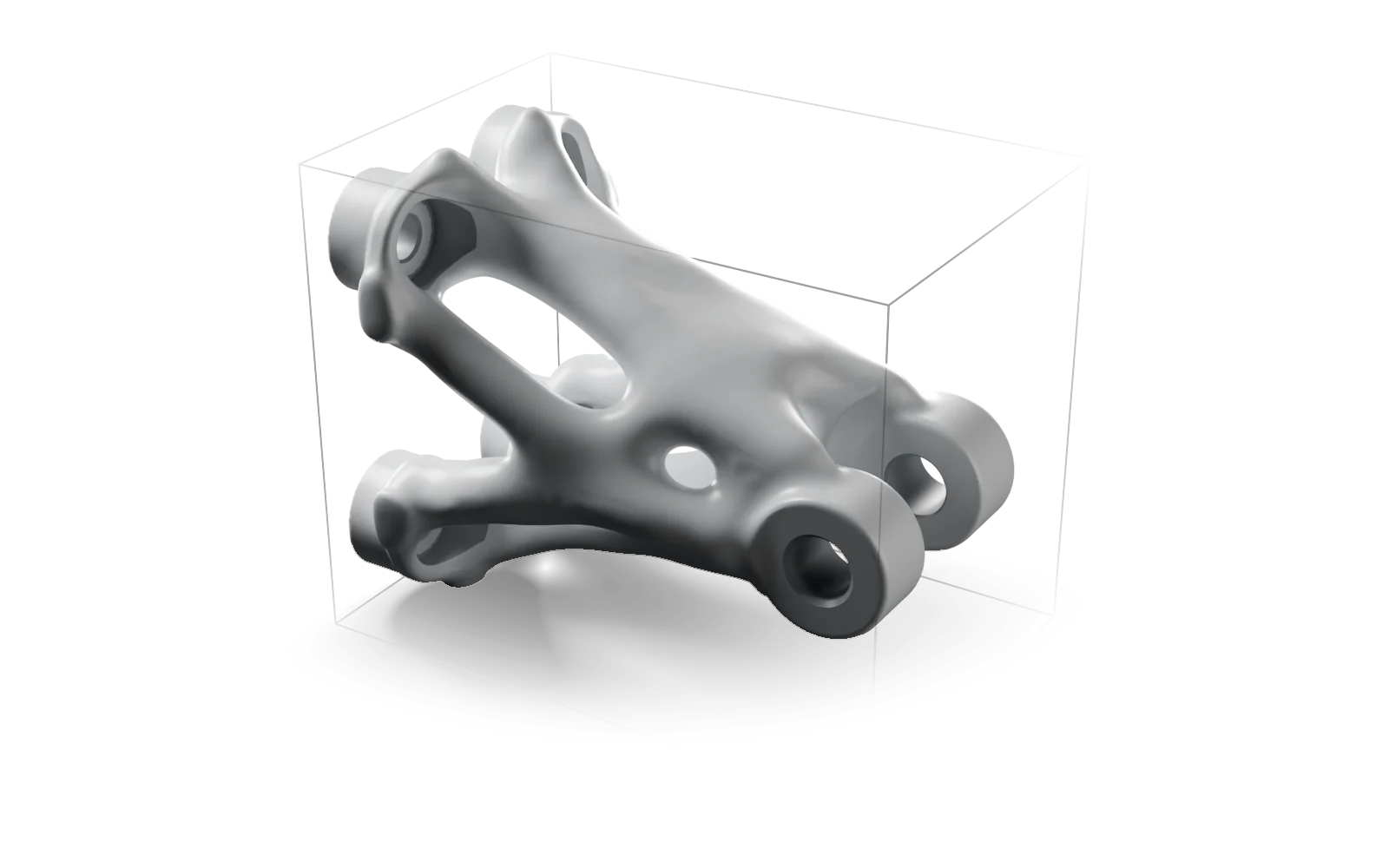
Topology optimization.
Tell Omniphex the space a part may occupy, where it is held and where the loads land. It grows the stiffest structure it can for the material you allow, with a minimum member thickness you set, then re-checks the finished shape against those same loads before you slice it.
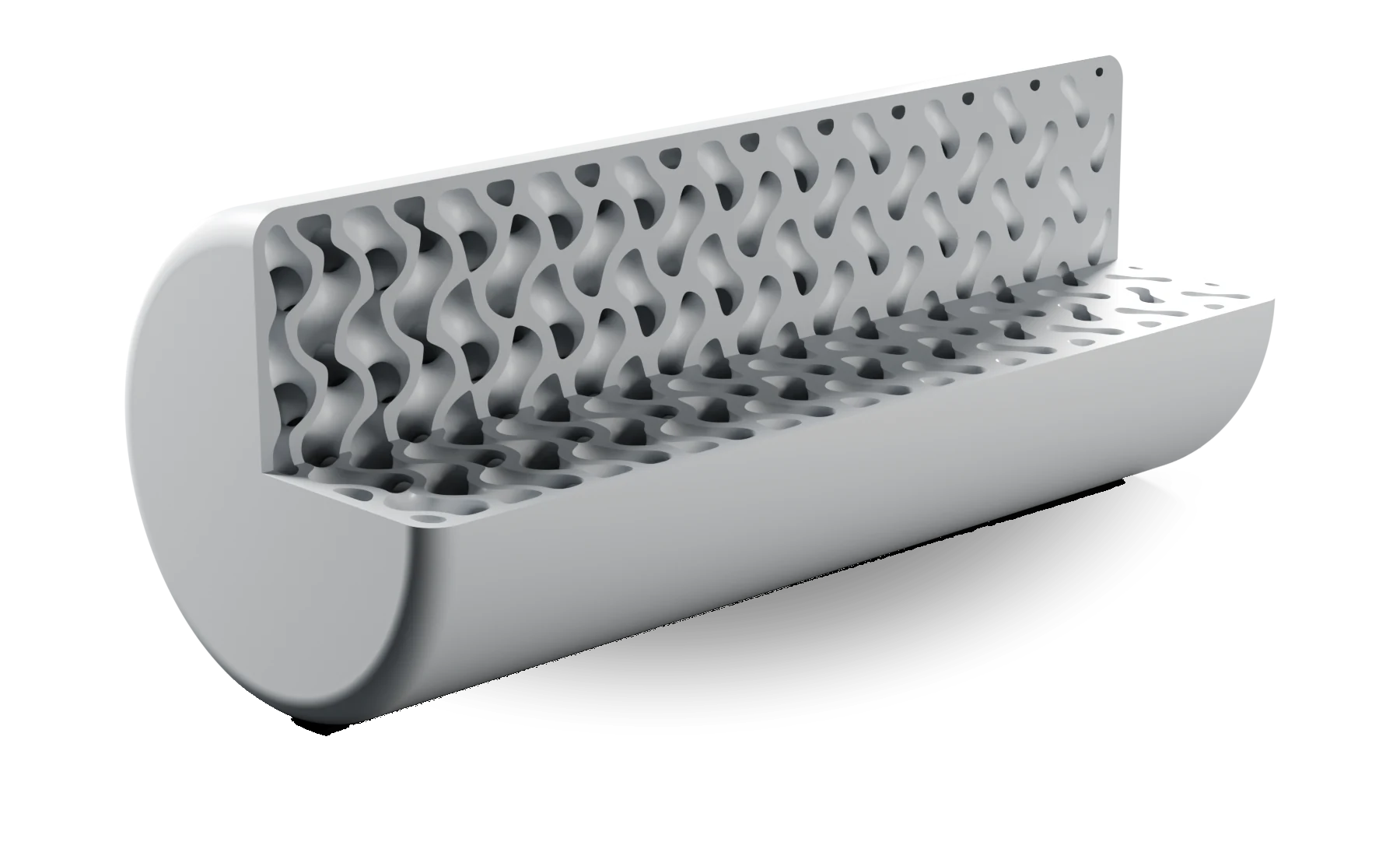
Graded lattices.
Lattice cores inside a sealed outer skin, denser where the load runs, for a fraction of the plastic of a solid part. Every version is sliced, so you see its real weight and print time before you choose.
Find where it works hardest.
Omniphex rebuilds a sliced part the way the printer will lay it down, shows where it works hardest, and tells you whether more infill, more walls or a different print orientation is the fix.
Improve and re-check.
Because your agent writes the geometry, it can add ribs, fillets or thicker walls wherever a check shows weakness, and Omniphex re-measures, re-checks and re-slices every revision.
03Check
Know how it behaves before you spend the filament.
Describe what a part will face and see how it copes in software, with results your agent can explain.
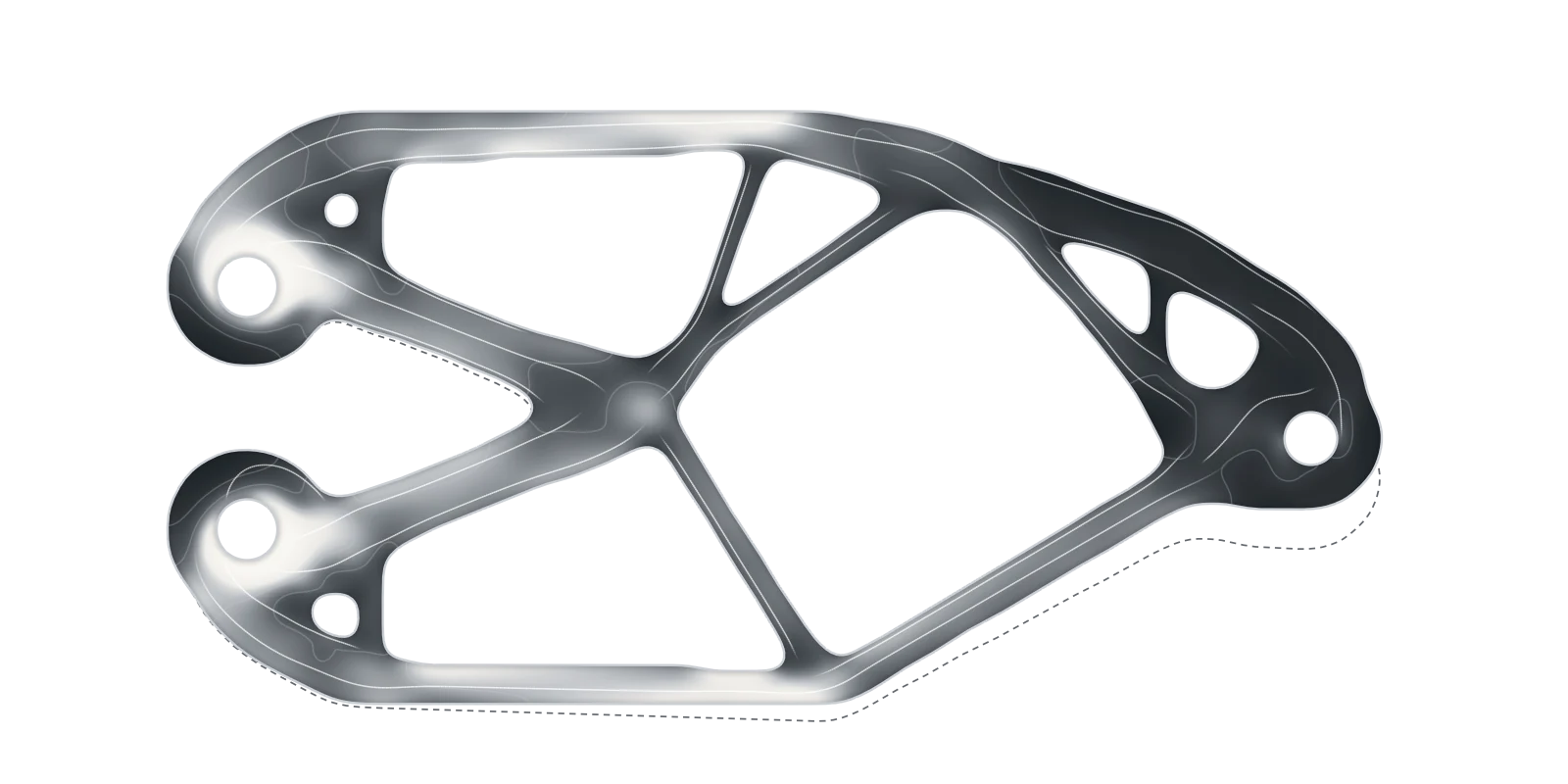
Pull, bend, press.
Check a part against the loads you describe (a pull, a bending load, pressure on a face) and see where it is stressed. The verdict knows which way the part will be printed, because a printed part is several times weaker across its layers than along them: the same load can pass printed flat and fail printed upright.
As it will really print.
Omniphex rebuilds the part from its real toolpath and pulls it along and across the layers, so you check what the printer will make, not just what was drawn.
Vibration and buckling.
Find a part’s natural frequencies, so it can be kept clear of a propeller’s rotation, and estimate the load at which a slender member buckles.
Heat, and the long run.
For electronics in a printed case, check whether the housing stays below the temperature where its plastic starts to creep (sag slowly under load), not just whether the chip is inside its rating. It also screens for creep under a steady load and checks whether the plastic can take the temperatures it will see in use.
Radio through the wall.
Check whether a radio link will get through a printed housing at the wall thickness, angle and infill you plan. If a filament would block the signal, you are told so.
Propeller noise.
Compare propeller options for noise before you buy or print. It ranks the designs, and calls it a tie when the difference is too close to trust.
04Print
More from the printer you already own.
Omniphex adds what a slicer on its own does not have: a simulation of the part as it will really be printed, used to decide where the material goes. The finished file goes through a production slicer you install alongside Omniphex, and is checked before you print.
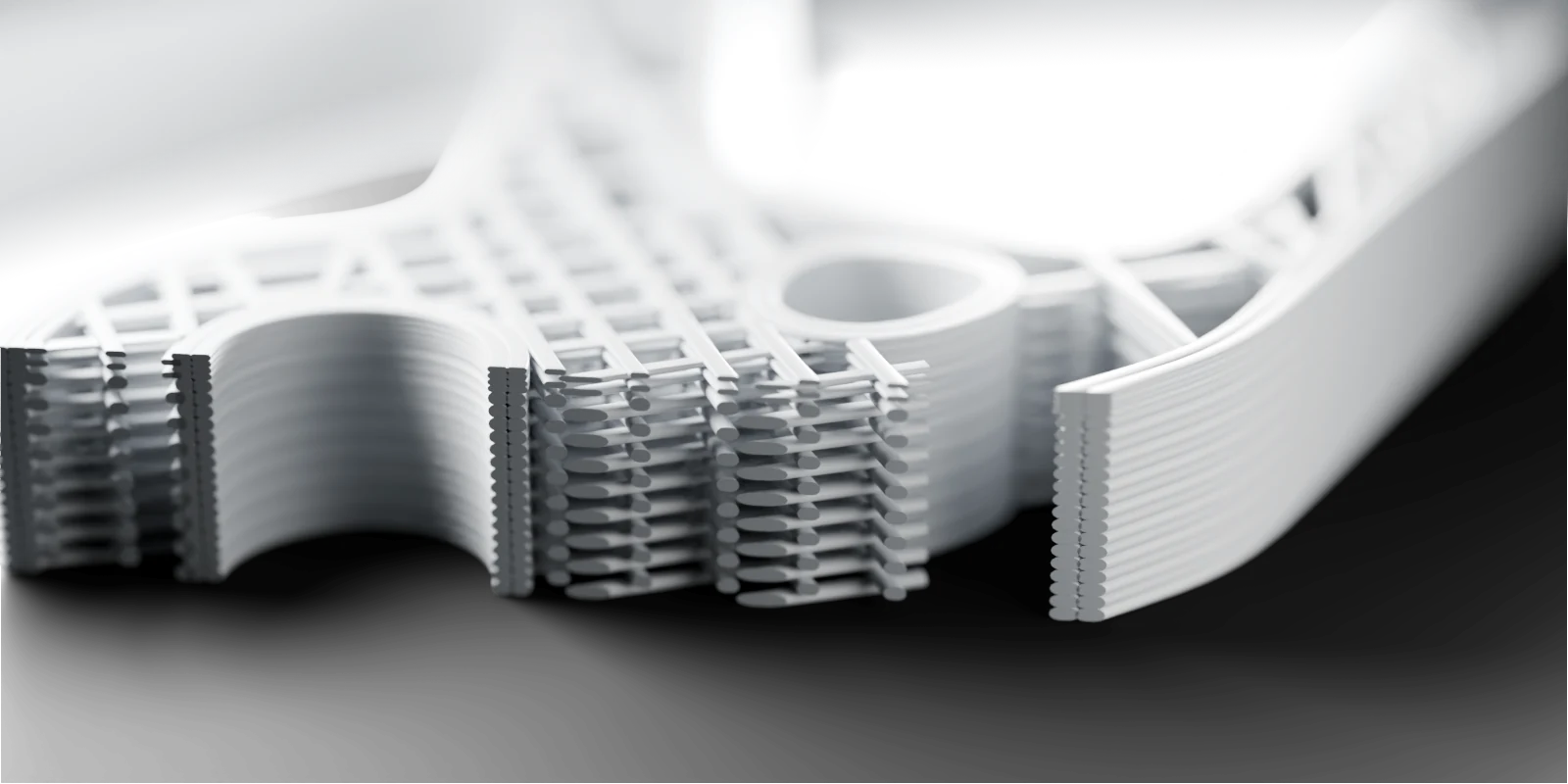
Dynamic infill.
Vary infill density, pattern and direction zone by zone inside one part, with the zones placed where the simulation says the material is working, and give the part extra walls where it carries the most load. Each infill zone is read back out of the sliced file, never assumed.
Fine layers where they count.
Print fine layers only where a part needs them, such as a curved top, and coarser layers everywhere else.
Infill that follows the load.
Re-route a part’s inner infill so its strands follow the direction the load travels, keeping every new strand inside the part and the slicer’s flow settings intact.
The right way up.
The orientation that needs the least support material, never one that would tip over on the bed, and a heads-up when the way a part is printed matters more than how much plastic is in it. Supports go on when a part needs them, and an overhang left hanging in the air is caught before the file reaches you.
Holes and fits for your setup.
Holes and fits sized for your material and nozzle, allowing for what your slicer already corrects. Print the calibration piece and Omniphex switches to your own printer’s measured numbers. Measure how a first print warped, and the next one can be pre-distorted to land closer to shape.
Real weight, real time.
Every slice comes back with its filament weight and print time worked out from the actual toolpath, not guessed from the solid model.
05Whole builds
Not just a part. The whole build.
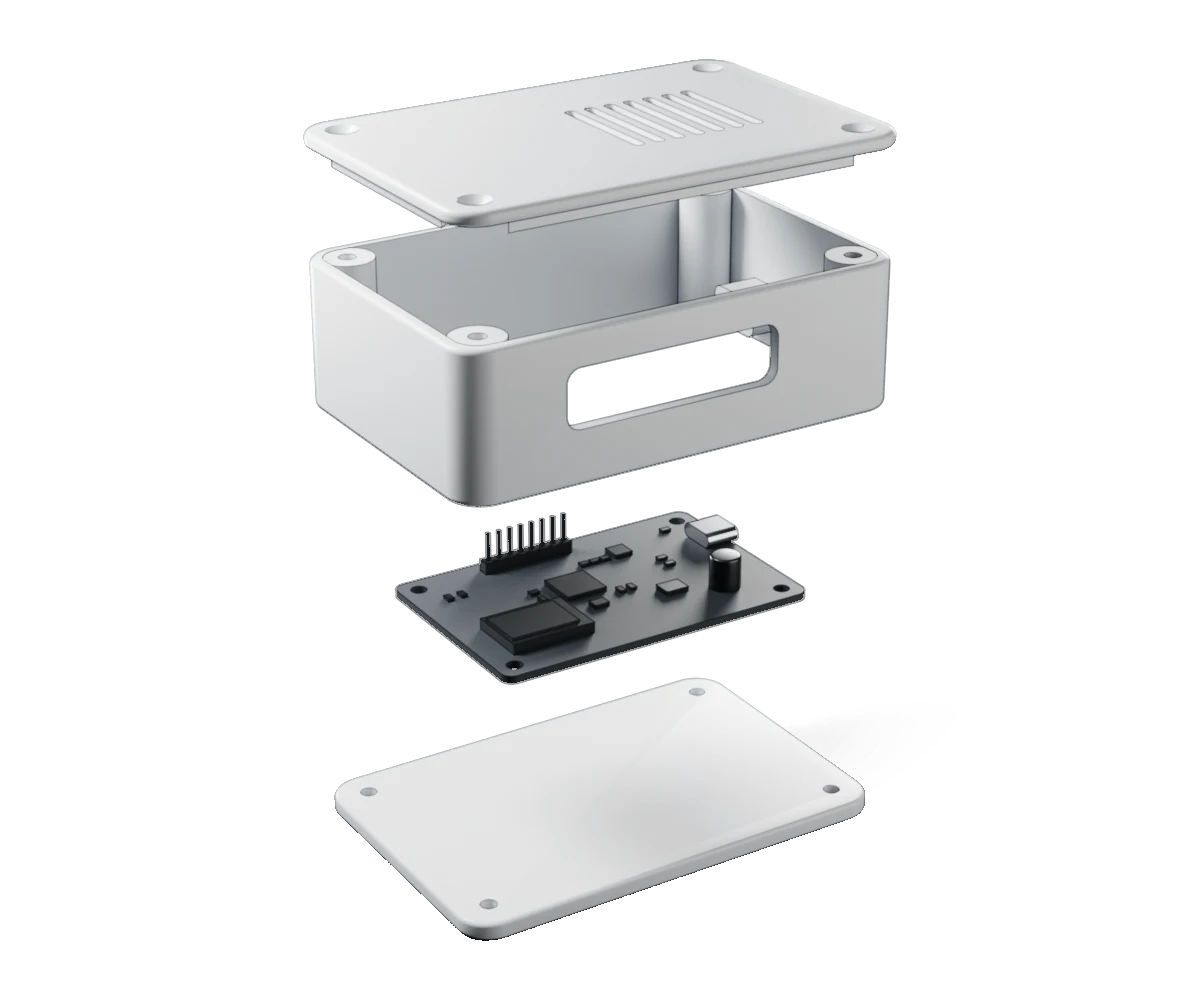
Your agent can design a multi-part product from scratch, and Omniphex checks the numbers that decide whether the whole thing can work.
Things that fly.
Before any geometry exists, check weight, balance and thrust-to-weight for a multirotor or a fixed wing. For a fixed wing with a conventional tail, Omniphex also works out lift, drag, stall speed and a balance range for its wing and tail. Once its shape is drawn, versions of it can be compared in a virtual wind tunnel at the angle it will fly. A multirotor’s arms and airframe can be sized as one problem, where an arm’s own weight changes the load it must carry.
Parts list and build guide.
One parts list with every part’s weight and cost and where each number came from; bought parts come in as simple blocks with their mounting holes and clearance zones, read from the maker’s own drawing. Your agent writes the build guide around it (print plan, assembly steps, wiring notes): the numbers in it come from Omniphex, the words are your agent’s.
Bigger than your bed.
Get a split plan: flat cuts where they do the least harm to the load path, every seam checked against the weaker layer-to-layer strength, and keyed joints that only go together one way. Your agent then models the pieces.
Screws and cables.
Screw holes sized for how they will be used (clearance, counterbore, heat-set insert or nut pocket), each checked against the wall it sits in. Cable channels routed through a printed chassis with a minimum bend radius and power kept apart from signal.
Motion and robots.
Describe the path a part must trace and your agent searches four-bar, slider-crank, six-bar, geared and cam mechanisms for one that traces it, each checked for clearance. Export a robot description for simulators, with masses and inertias computed from the parts.
Many parts, one product.
Your agent authors each part from scratch, every part is measured and checked on its own, and they can be nested together on the print bed.
06Built for your agent
Every result carries what it was measured by.
Omniphex was built to be driven by an AI agent, not clicked by a person. Every step comes back with real numbers, and when something will not work as asked, your agent hears why and what to try instead, so it can give you the reason, not just the result.
- Any agent on your computer. Omniphex speaks MCP, the open standard that connects AI agents to tools. Any agent that can connect to an MCP server on your computer can drive it, including a capable model you run yourself. We build and test with Claude Code.
- A report for every part. Each check it passed, each one it failed and each one it has not run yet.
- Grows with your project. Heavier capabilities are optional, added when your project needs them.
- Secure and local. Omniphex runs on your own computer, and your designs, files and results are stored there, not with us. What your agent sees of your work depends on the agent you choose.
Early access
Request access.
Tell us what you want to make and which printer it comes off. A person reads every request and writes back.