00Console
Watch your idea take shape.
The Omniphex console is a desktop window that shows what your agent is doing as it happens: the part, where it is stressed, the toolpath layer by layer, every job in progress and the most recent pictures of your project. You choose the printer and the material; your agent does the designing.
01Five screens
Everything your agent does, where you can see it.
Five screens (Setup, Model, Simulate, Slice and Library), and every step tagged as your agent’s or yours. Choose a screen in the preview below.
Which printer it comes off, and what it is printed in. Your agent reads both and works to them.
Material limits are engineering defaults from manufacturers’ data sheets, not measurements of your part.
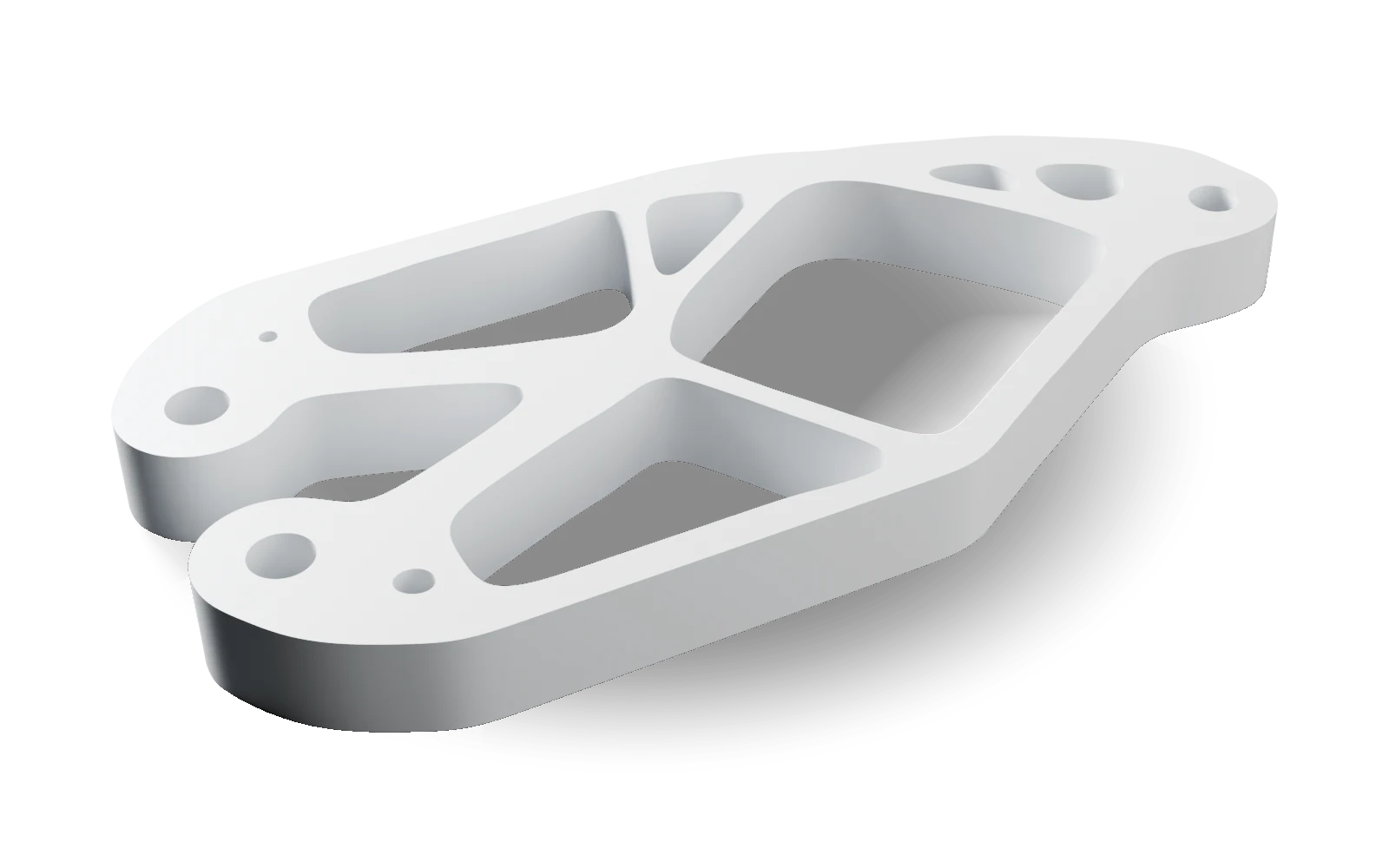
Turn it and look it over, or bring in a STEP or STL file of your own.
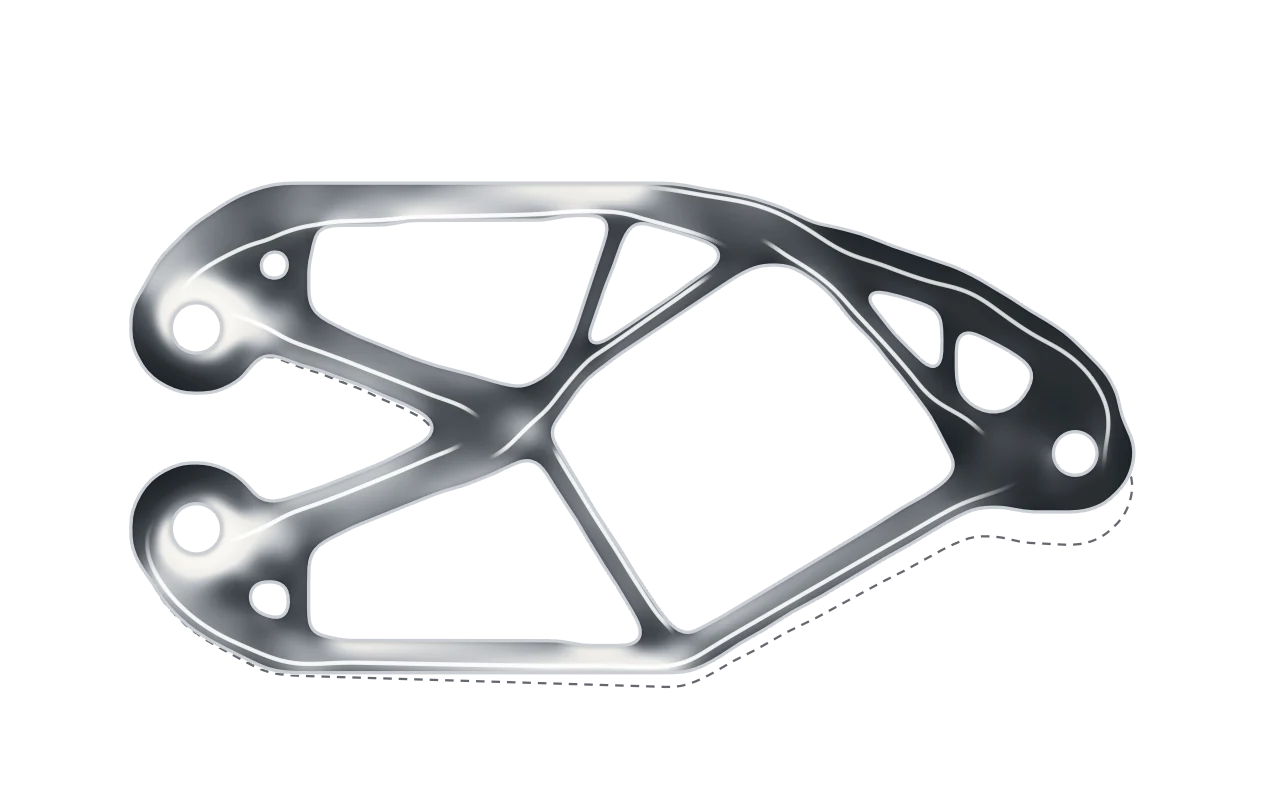
The mount under the load you described. The lighter the shade, the harder that part of it works.
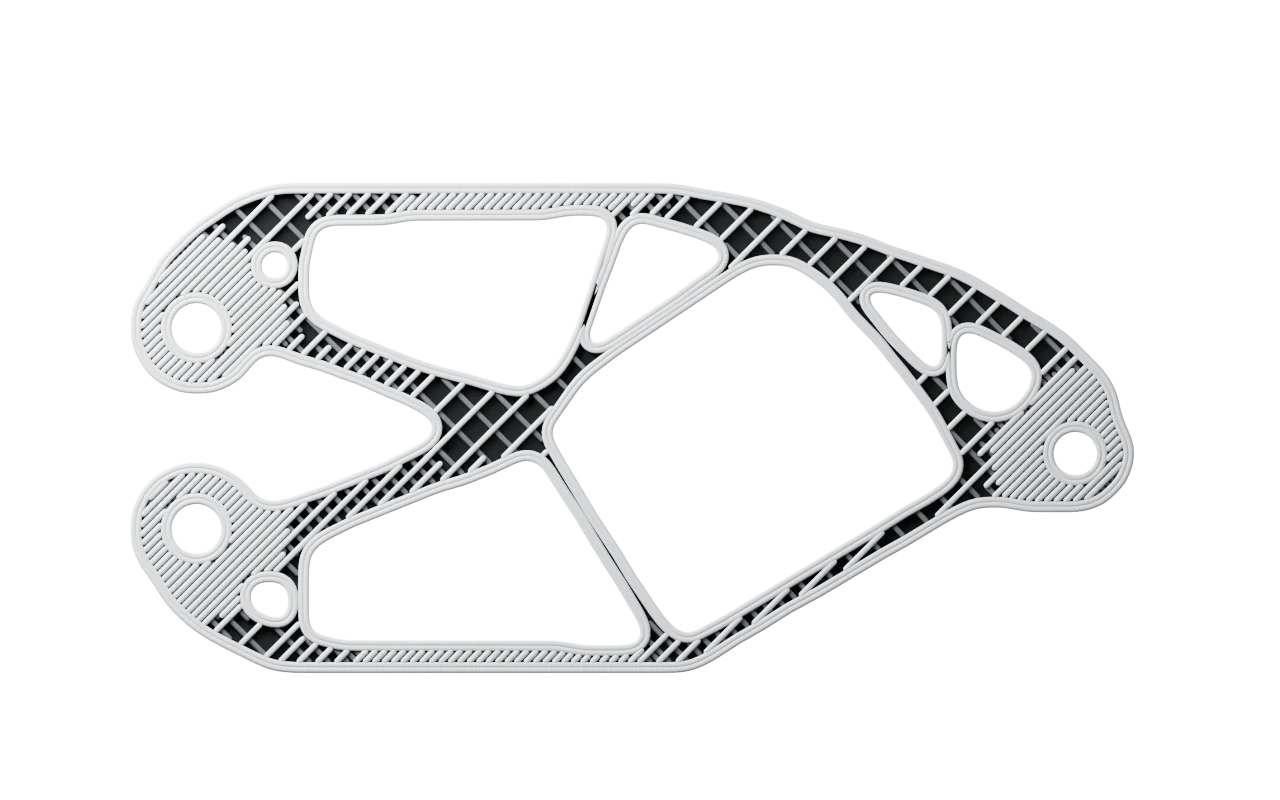
Change a setting, re-slice, and see the new weight and print time.
Your printers, your filaments and the material data every check uses.
Your two choices.
Pick your printer and your material. An agent connected to the console reads both and works to them.
The part, from every side.
Turn it and look it over, or bring in a STEP or STL file of your own.
Where it is working hardest.
The stress drawn on the part’s deformed shape, with your material’s limits marked on it.
The real toolpath.
Layer by layer, as the printer will lay it down. Change a setting, re-slice, and see the new weight.
Printers and plastics.
Your printers, your filaments and the material data every check uses.
02You and your agent
Your agent designs. You stay in charge.
The design work happens through your agent; the console is where you watch, choose and review. Every step arrives as it happens, and you can ask your agent why at any point.
- Every step tagged AGENT or YOU
- Every job’s progress, live
- Your printer and material, set by you and read by your agent
- The most recent pictures of your project, with the ones you or your agent star kept for good
- Runs on your computer, for you alone
Early access
Request access.
Tell us what you want to make and which printer it comes off. A person reads every request and writes back.